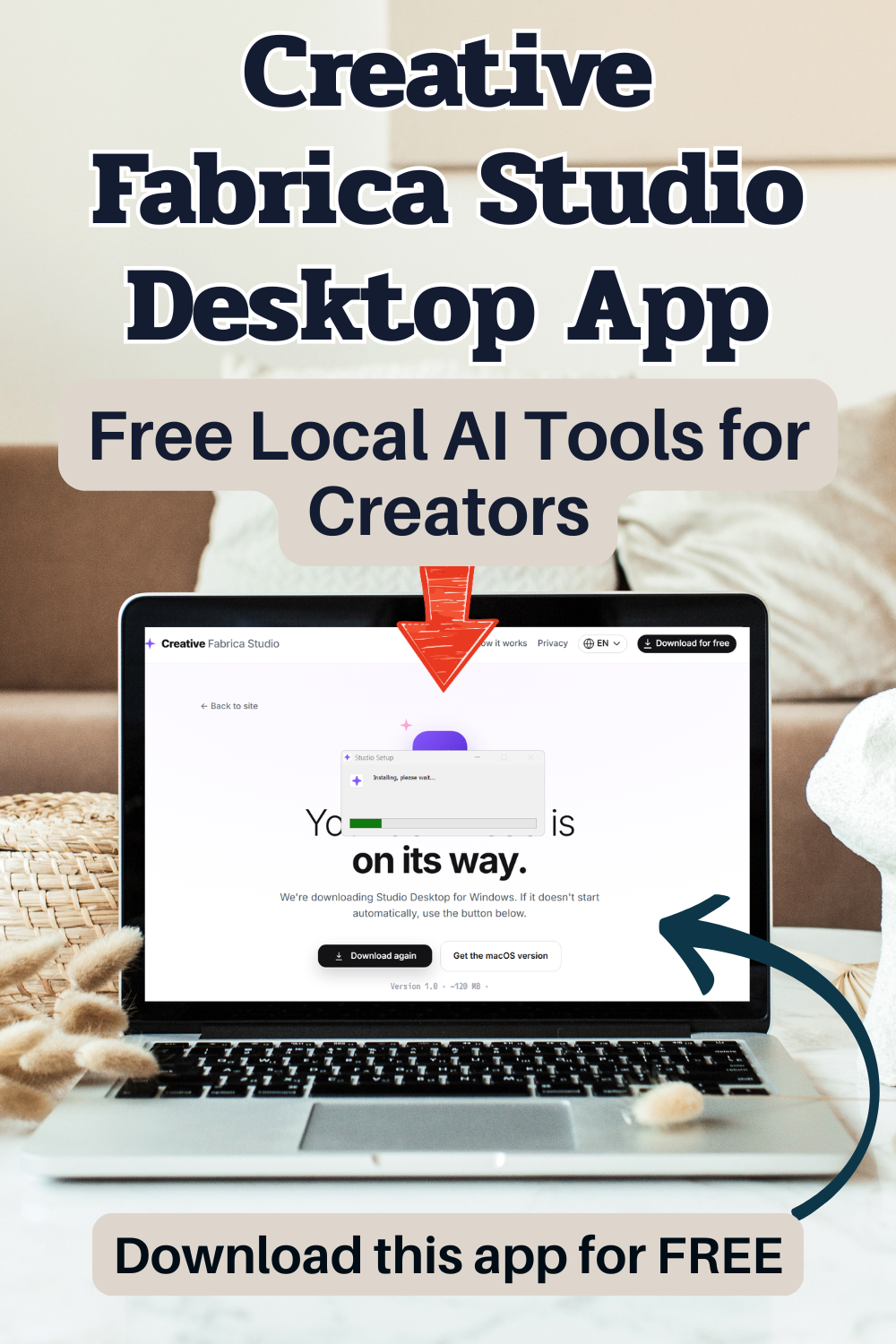
I have been a blogger for over 17 years and have created a wide range of content, images, printables, and more. I am always keeping my eyes open for tools that can save me time without making things complicated. I heard about Creative Fabrica Studio Desktop. And since it has free local AI tools for creators and bloggers, I got curious and I downloaded it.
All About Creative Fabrica Studio Desktop App
This is a free app that you can download on a Windows or Mac computer. It gives you access to Creative Fabrica Studio tools, along with local AI options you can install and use on your own devices.
It gives you access to creative tools right from your computer or laptop. And, as I said above, some of the AI tools can run locally after you install the app, so this is what caught my eye!
That means certain tools can work from your own computer instead of depending only on online cloud tools. And, for a busy creator like me, that matters SOOO much.
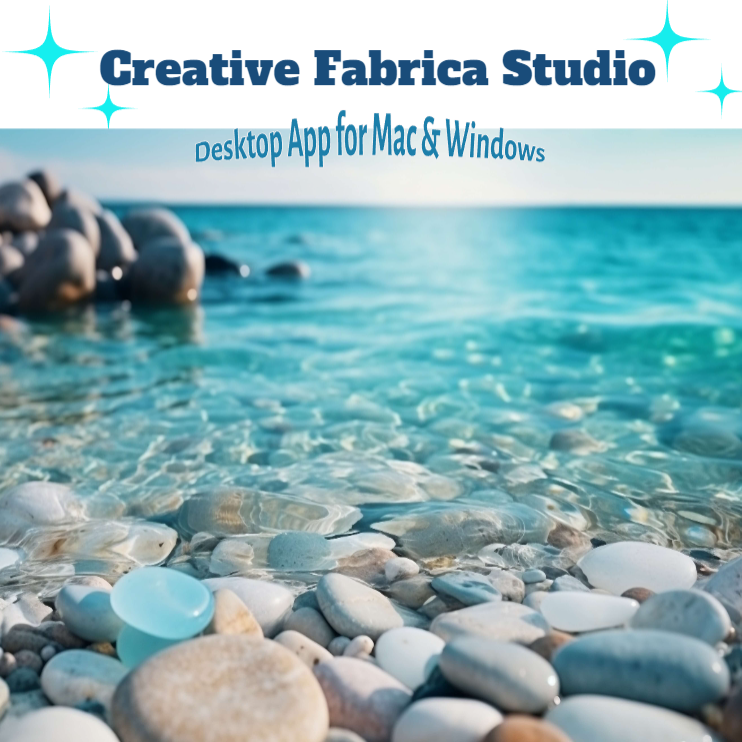
Image Created By Using Creative Fabrica Studio App
Downloading The App
I downloaded the Creative Fabrica Studio Desktop app on my Windows laptop, and the setup was so dang easy. I did not have to deal with a confusing installation process, weird steps, or anything that made me feel uncomfortable. This app just made it all easy to do! It was a few clicks, and then the app was ready to use.
You do not need a paid account to download it, and no credit card is required, thank heavens. That alone makes it easier to try and more trustworthy (I always worry about installing apps on my laptop because you never know!).
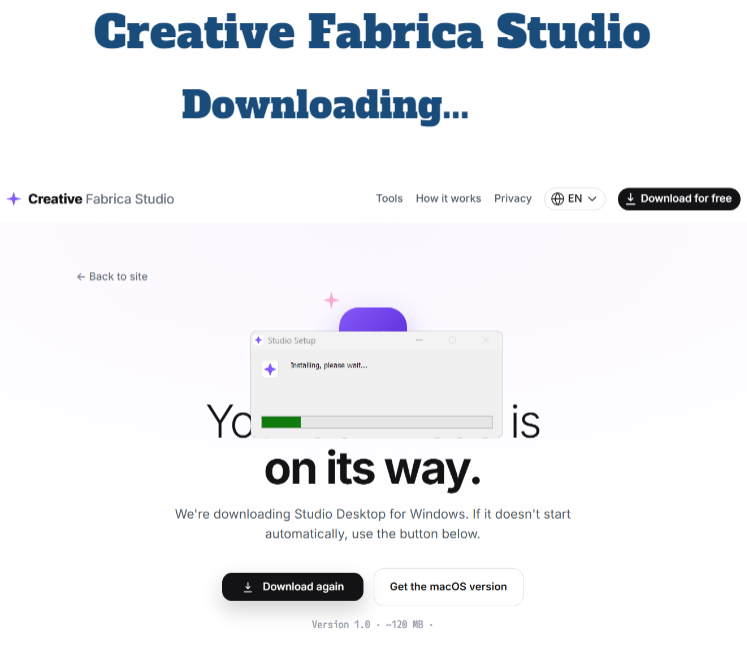
Free Local AI Tools For Creators And Bloggers
Some of the local tools include background removal, image upscaling, image generation, and text-to-speech. Once the right model is installed on your device, the supported tools can run on your computer instead of needing to send every task through a cloud-based service.
If you create printables or need to create visually pretty product photos, eye-catching social media graphics, scroll-stopping Etsy listings, fun Cricut files that need transparent PNG files, print-on-demand designs, or just nice-looking and clear blog images (see my pics below!), you probably already know how annoying it can be to bounce between a few different websites just to finish one thing that should be SO simple!
One moment, I think, Oh, wow! This looks really good, and then two seconds later I’m wondering if it could look a lil’ better with a different background, sharper edges, cleaner colors, or one tiny change. And? Suddenly, my entire afternoon is GONE. Sigh…
This app gives creators another way to work without tons of interruptions. This is very helpful and appreciated when your internet is slower than dirt (hello, living in the middle of nowhere!!!), or when cloud tools are just too spendy! This is all so important if you need creative tools quickly without disruptions!
I just really like that Creative Fabrica Studio Desktop has tools for all these things all in one place. And because I do create a lot, an app that helps keep the process moving is definitely what I needed!
Why Local AI Tools Are So Useful For Creators
A lot of online tools work by having you upload your image, wait for it to process, and then download the final version. That can be fine for one image, but it becomes a huge pain when you are working on several files. The local AI tools can help with that!
When a supported tool runs on your computer, you are not sending every image off to a separate website. That can feel much safer if you are working with personal photos, product images, brand files, or designs you want to keep more private.
This can also save you time if your internet is slow or if cloud tools keep making you wait in line. Been there, done that! Anyone who has sat there watching a loading bar KNOWS of that struggle…
Another nice part is the credit-free setup for supported local tools. A lot of AI tools give you a few free uses and then start charging for credits, tokens, or monthly fees, and it really is not worth it to me.
But with this app, the supported local features like background removal and upscaling can be used without paying for credits, and for people like me who work with a lot of images, that is pretty dang nice!
This App Helps Solve…
Creators usually do not need just one tool. We need a little bit of ALL the tools (then maybe a little bit more, too)…You might need to remove a messy background from a product photo (or remove your child’s little hand from a background). You may also need to make the image bigger without making it blurry (that isn’t always easy to do!).
Before Picture Of My Dog Outside:
This is a picture of the first doggy we ever had (he passed away recently and we are heartbroken) 🙁 I wanted this picture to be clearer and crisper looking, because it is kind of blurry!

After Picture Of My Doggy:
Below is the picture after it was freshened up and enhanced! This has to be one of my favorites now! It was a very special picture to us, so having it more clearer and less fuzzy means a lot to us all! Gosh I miss him!!! 🥺

Or, you might want to turn it into a transparent PNG for a Cricut project, use it in a printable, or add it to an Etsy listing. And doing that across a few different websites will absolutely slow you down. I know, because I know!
Background remover tools often come with limits. Some require uploads. Some need a subscription (SO many want a subscription, ugh!). Some give you only a few free downloads. Others add watermarks unless you pay.
Those little limits can get frustrating (and expensive!) fast. No one has that kind of time or money just lying around. But, Creative Fabrica Studio Desktop App gives you a way to handle supported creative tasks in a smoother, blended workflow and man is it a breath of fresh air!
Instead of jumping around from site to site, you can stay closer to the Creative Fabrica Studio setup and use tools that are made for design work.
Creative Fabrica Studio Desktop Is Best For…
I think this app makes the most sense for people who create visual content often. For content creators, it can help with blog images being way more clearer, social graphics, Pinterest pins, product mockups, digital downloads, thumbnails, and branded designs much crisper and brighter. If you are constantly making images for posts, campaigns, or reviews, having free tools built into a creative workspace is helpful.
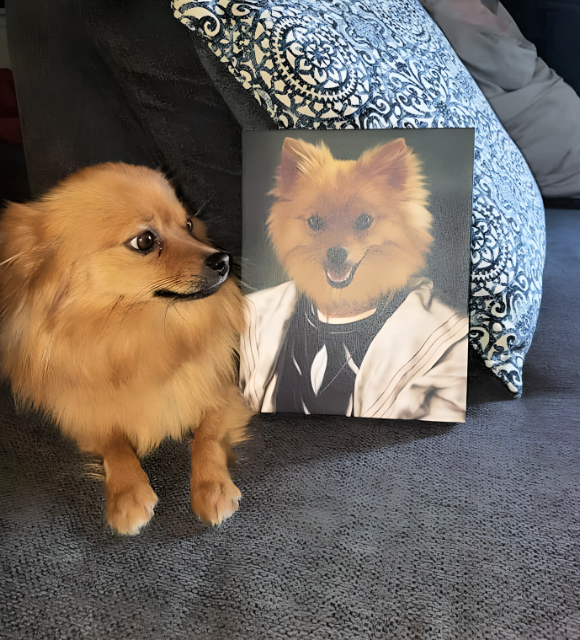
My Normal Photo Without Enhancing It:
Below is a picture I took of my Pomeranian, Daisy. She was doing a photo shoot for a painted picture she received of herself. She was a bit unsure of it as you can see in the picture (she is unsure of most things, lol). The picture is not very crisp looking either.
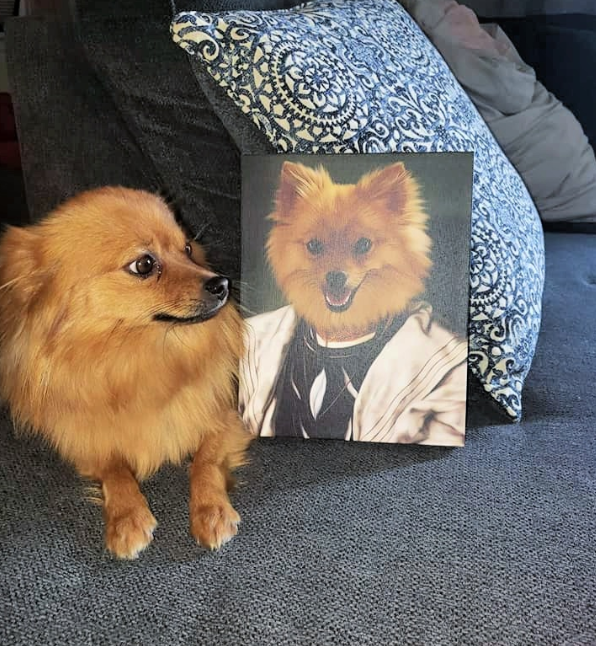
My Picture AFTER Enhancing It:
I ran the photo through the app and asked it to make it sharper, crisper, and just show details better. The below picture is what was pretty quickly created for me! It is SO much better!!
Etsy sellers could use it for product photos, digital listing images, printable previews, and transparent PNG files. Print-on-demand sellers may like it for cleaning up designs, improving image size, and preparing graphics for products.
Cricut and sublimation creators could use it when they need cleaner cut files, transparent backgrounds, or images that look better before printing.
Teachers and printable makers may find it useful for classroom resources, worksheets, digital stickers, flashcards, and activity pages. Small business owners can use it for quick graphics without needing to hire a designer for every tiny edit. It is not just for professional designers either. It is also for regular people who want better tools without a complicated setup.
Pros Of Creative Fabrica Studio Desktop
- The app is free.! There is no credit card needed, and you do not need a paid account just to try it.
- It works on both Windows and Mac, which makes it more accessible to all.
- Local AI tools are useful for common creative tasks like offline background remover for removing backgrounds and upscaling images, which I use often, and a lot of other creators do too.
- Fits into the Creative Fabrica Studio workflow. When you are already creating designs, it makes sense to have these tools nearby instead of opening more websites.
If you work with a lot of images (maybe you are a photographer?), this could absolutely save you time! Especially if you are creating batches of product photos, social graphics, printables, or digital products. It is just a nice and helpful app to have.
Few Cons Of Creative Fabrica Studio Desktop
This app is free and useful, but it is still important to know what to expect!
- Local AI tools use your computer, so the speed can depend on what device you have. A newer computer may run more smoothly, while an older one may take a bit longer.
- Some models may need to be downloaded before you can use certain local features. That is not a huge problem, but it is something to mention. When I used this, I had to download some models but it was easy and quick.
- Some parts of the Creative Fabrica Studio experience may still need internet access or a Creative Fabrica account, depending on what you are doing. The local tools are helpful, but that does not mean every feature in the app works offline.
For me, those are not deal breakers. They are just good things to know before downloading and using the app so you are not caught off guard later.
Is Creative Fabrica Studio Desktop App Worth It?
Uhhhh, yes, especially because it is free and helps you cut your designing time in half!!! If you create images, designs, printables, product photos, or digital content, etc., this app is worth it. You get access to useful tools without making you pay upfront, enter a credit card, or use a credit system for supported local tools.
I like tools that make the creative process easier without turning into another monthly bill. Creative Fabrica Studio Desktop is one of those tools that fits naturally into a creator’s daily workflow, especially if you are already working with Creative Fabrica or making visual content as often as I am! It is simple to install, easy to try/use, and really helpful for everyday design tasks.
Another Photo Before Enhancing It:
Here is another picture of Miss Daisy playing outside in the snow. She LOVES the snow! It was a bit fuzzy looking and just not very crisp looking.

And After Enhancing It:
After I enhanced the picture, the fence was less fuzzy looking and more crisp. I could see details on Daisy coat clearer, and it was just better looking! Isn’t Miss Daisy adorable?!?

FAQs 
Is Creative Fabrica Studio Desktop free?
Yes. The app is free to download and use. You do not need a paid account or credit card to get started.
Does the background remover run locally?
Supported local tools, including background removal, can run on your computer after the needed model is installed.
Can I make transparent PNG files for Cricut?
Yes, the background removal tool can help create images with transparent backgrounds, which can be useful for Cricut projects.
Is this an alternative to cloud background removers?
For supported local tools, yes. It can be a helpful option if you do not want to rely only on browser-based background remover tools.
Do I need internet to use Creative Fabrica Studio Desktop?
You may need internet for downloading the app, installing models, signing in, or using certain Studio features. Some supported tools run locally after setup.
Are my images uploaded?
Supported local tools can process files from your own computer after the model is installed. Some other features may still use online services, depending on the tool or workflow.
Where Do I Download The Creative Fabrica Studio App?
You can download the Creative Fabrica Studio App for Mac or Windows by clicking here!
Will you be downloading the Creative Fabrica Studio App? Let me know! I would love to hear about your experience!!!
PIN!